The Best Bullet Journal App for a Calm Digital System
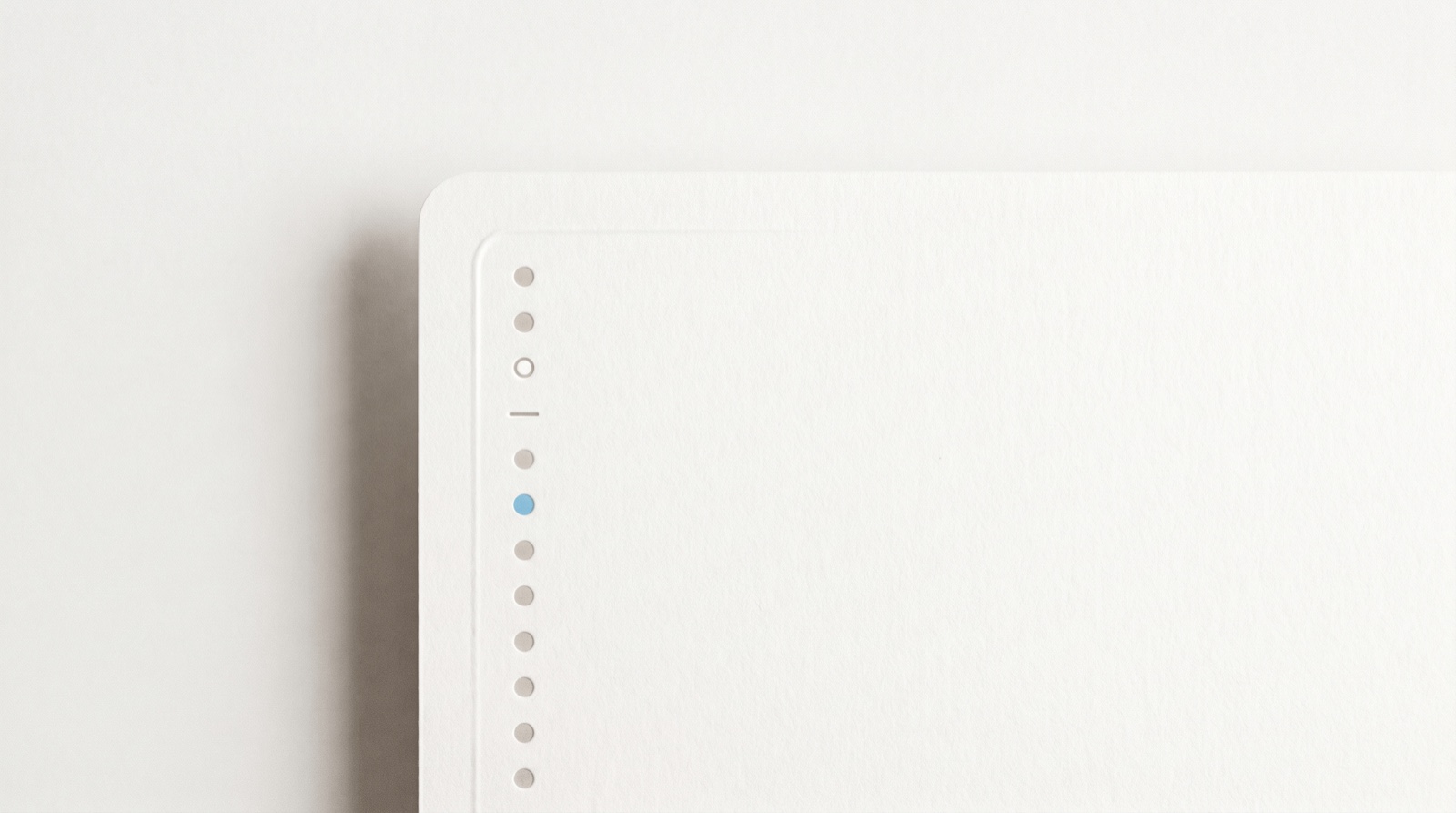
The best bullet journal app is the one that keeps the method’s calm, fast capture without asking you to hand-draw a new layout every week. A bullet journal is a simple habit at heart: capture what is on your mind as short bullets, then review it and keep only what matters. This guide covers what the method actually is, what you gain and lose by going digital, an honest look at the options, and where Whit fits.
What a bullet journal app should do, at a glance
- Capture in a second. Getting a task, event, or note down should take no setup, by text or voice.
- Keep one place for everything. Tasks, ideas, and notes live together, not scattered across five apps.
- Make review easy. The method’s heart is coming back to your list and keeping only what still matters.
- Stay calm. No wall of red overdue badges, no guilt for a skipped day.
- Follow you across devices. What you add on your phone is on your tablet and computer a moment later.
- Keep your notes private. A bullet journal holds the quiet contents of your head, so where it lives matters.
What a bullet journal actually is
A bullet journal is a capture-and-review system, not a pretty notebook. Designer Ryder Carroll built it as an analog system for the digital age, and its core is rapid logging: writing each thing on your mind as one short line, marked by a small symbol for its type. A dot is a task, a circle is an event, a dash is a note (Bullet Journal). That is the whole language. You capture fast, in plain lines, and sort later.
The part that makes it work is migration. At the end of each month you read back your open tasks and decide, one by one, whether each is still worth carrying forward. What matters gets rewritten into the new month, and the rest gets crossed out (Bullet Journal). The friction is the point. If a task is not worth the few seconds it takes to rewrite, it was probably not worth keeping. Carroll calls the whole thing a mindfulness practice disguised as a productivity system, a way to notice how you actually spend your attention.
Read that back and a bullet journal is really two habits: a fast brain dump, and a calm review. Everything else, the spreads, the trackers, the hand-lettering, is optional decoration.
What you gain, and lose, going digital
People move a bullet journal into an app for real reasons. A digital list is searchable, syncs across your devices, backs itself up, and can remind you on its own, which paper cannot. Your phone is also almost always with you, so a thought gets captured before it slips. For a busy or distractible brain, the reminders alone can be worth the switch.
You do lose something, and it is worth naming. Some research suggests writing by hand encodes more deeply than typing, because the slower pace pushes you to summarize instead of transcribe (Mueller and Oppenheimer, 2014). A 2023 study using EEG found that handwriting produced more widespread brain connectivity than typing on a keyboard (van der Meer and van der Weel, 2023). Neither study tested bullet journaling itself, so treat this as a reason to keep a pen if you love one, not a verdict against apps. If handwriting is the part you value most, a paper journal or a stylus app on an iPad will serve you better than any typed tool.
The honest trade is this. Paper gives you the tactile depth and the natural friction that makes review meaningful. A good app gives you capture that follows you, a list that cannot be lost, and reminders that fire on their own. Pick for the half you keep dropping.
The honest options
No single bullet journal app suits everyone, partly because “bullet journal app” means a few different things. Here is a fair map of the categories. Prices move, so confirm the current number on each maker’s own page before you buy.
| Option | What it is | Platforms | Best for |
|---|---|---|---|
| GoodNotes, Notability | Digital handwriting on a tablet | iPad with Apple Pencil, plus Mac and iPhone | Keeping the pen and the hand-drawn spreads, closest to paper |
| Bullet Journal Companion | The official app, built to pair with a paper journal | iPhone, iPad | Staying on paper but wanting a digital index and reminders |
| Notion | A flexible workspace you build a bullet journal inside | Mac, Windows, iPhone, Android, web | Fully custom layouts, if you enjoy building the system |
| Apple Notes plus Reminders | Free built-ins used as a plain-text bullet journal | Apple only | A no-cost start with tools already on your devices |
| Whit | A calm capture-to-day planner that runs the loop for you | iPhone, iPad, Mac | The bullet journal habit without the daily setup and upkeep |
A few honest notes. If handwriting is the whole appeal, a stylus app like GoodNotes or Notability on an iPad keeps it, at the cost of quick search and reminders. The Bullet Journal Companion is made to sit beside your paper notebook, not replace it. Notion can become anything, which is its strength and its trap, since building and maintaining the layout is its own project (how Whit and Notion compare). Apple Notes and Reminders are a genuinely fine free start. The gap most of them share is upkeep: a digital bullet journal still asks you to run the capture and review by hand. That is the part Whit takes on.
Where Whit fits
Whit is a calm brain dump and daily planner for iPhone, iPad, and Mac, and it keeps the spirit of a bullet journal without the spreads. It is worth saying up front what it is not: no hand-drawn layouts, no dot-and-dash notation, no decorative trackers. What it keeps is the part that does the work.
The two bullet journal habits map straight onto it. Rapid logging becomes the Brain Dump: you capture by text or voice, one thought per line, with no list or due date required, and it lands in a Calm Inbox instead of a pile of red badges. Migration becomes a gentler daily review: when you are ready, you turn a few captures into a Visual Day, a timeline that runs from sunrise to night, so the things that need a time get one and the rest wait quietly. Projects and Milestones hold the longer threads a bullet journal would keep as collections, and it connects to Apple Calendar and Reminders so the alerts you already trust still fire.
What you put down stays private. Whit syncs only through your own iCloud, with no accounts, no logins, and no analytics in the app, so the quiet contents of your head stay yours. The honest tradeoffs: Whit is Apple only, it is a calm planner rather than a blank canvas for custom layouts, and it is paid rather than free. It is a one-time purchase for iPhone, iPad, and Mac, with a 7-day free trial, then $99 once with no subscription. You can browse everything Whit does or read how it compares to Todoist.
Why the method works, and what is just popular belief
The steady part of the bullet journal, the capture and the review, rests on solid ground. Your working memory holds only about four things at once (Cowan, 2001), so every task you try to keep in your head crowds out another. Writing them into a trusted place, what researchers call cognitive offloading, frees that space for the work in front of you (Risko and Gilbert, 2016). A list only calms you, though, if you trust you will see it again, which is exactly what the review ritual protects.
Review helps for a second reason. An unfinished task keeps tugging at your attention until you decide what to do with it, and the relief comes from making a concrete plan, not from finishing. In a series of experiments, simply writing a specific plan for an open task quieted the intrusive thoughts about it (Masicampo and Baumeister, 2011). Migrating a task into next month, or deciding to drop it, is that plan.
One honest caveat. The bullet journal method itself has not been tested in controlled trials, and Carroll’s “mindfulness” framing is his description, not a clinical finding. The cognitive mechanisms above are well studied; the claim that any one notebook or app delivers them is not. Treat a bullet journal, on paper or in an app, as a sensible, low-cost habit rather than a cure. Whit is a calm productivity tool, not a medical or mental-health treatment.
Common questions about bullet journal apps
What is the best bullet journal app?
The best one is the app you actually reopen, because a bullet journal only works if you keep capturing and reviewing. If handwriting matters most to you, a stylus app on an iPad wins. If quick capture, sync, and reminders matter more, a calm typed app like Whit fits better. Match the tool to the half you keep dropping.
Is a digital bullet journal as good as paper?
It depends on what you value. Paper gives you the tactile focus and the natural friction that makes monthly review meaningful, and some research links handwriting to deeper encoding. An app gives you search, backup, sync, and reminders that fire on their own. Neither is better in general, so pick for the part you keep neglecting.
Can I use a bullet journal app for ADHD?
Yes, and the fit can be good. The method externalizes working memory and keeps everything in one place, which ADHD guides often recommend. An app adds the reminders and low-friction capture that paper upkeep can quietly undercut. Keep it simple, skip the decorative spreads, and let the app carry the parts that are easy to forget.
Related reading
- Want the journaling angle? See brain dump journaling and how to start one.
- New to the idea? Start with what a brain dump is and how to do one.
- Ready to plan? Read how to plan your day, a calm method.
- Brain that runs its own way? See how to choose an ADHD planner app.
Where to start
Try the two habits for a week, in whatever tool is nearest. Each day, capture everything on your mind as short lines without sorting, then once a day read them back and keep only what still matters. Notice whether opening the list makes the day feel lighter. That feeling, more than any layout, tells you whether you have found the right bullet journal app.
If you want one that runs that loop for you, Whit is a one-time purchase for iPhone, iPad, and Mac, with a 7-day free trial, then $99 once with no subscription. See the details.