Digital Planner App or PDF Planner? How to Choose the Right One
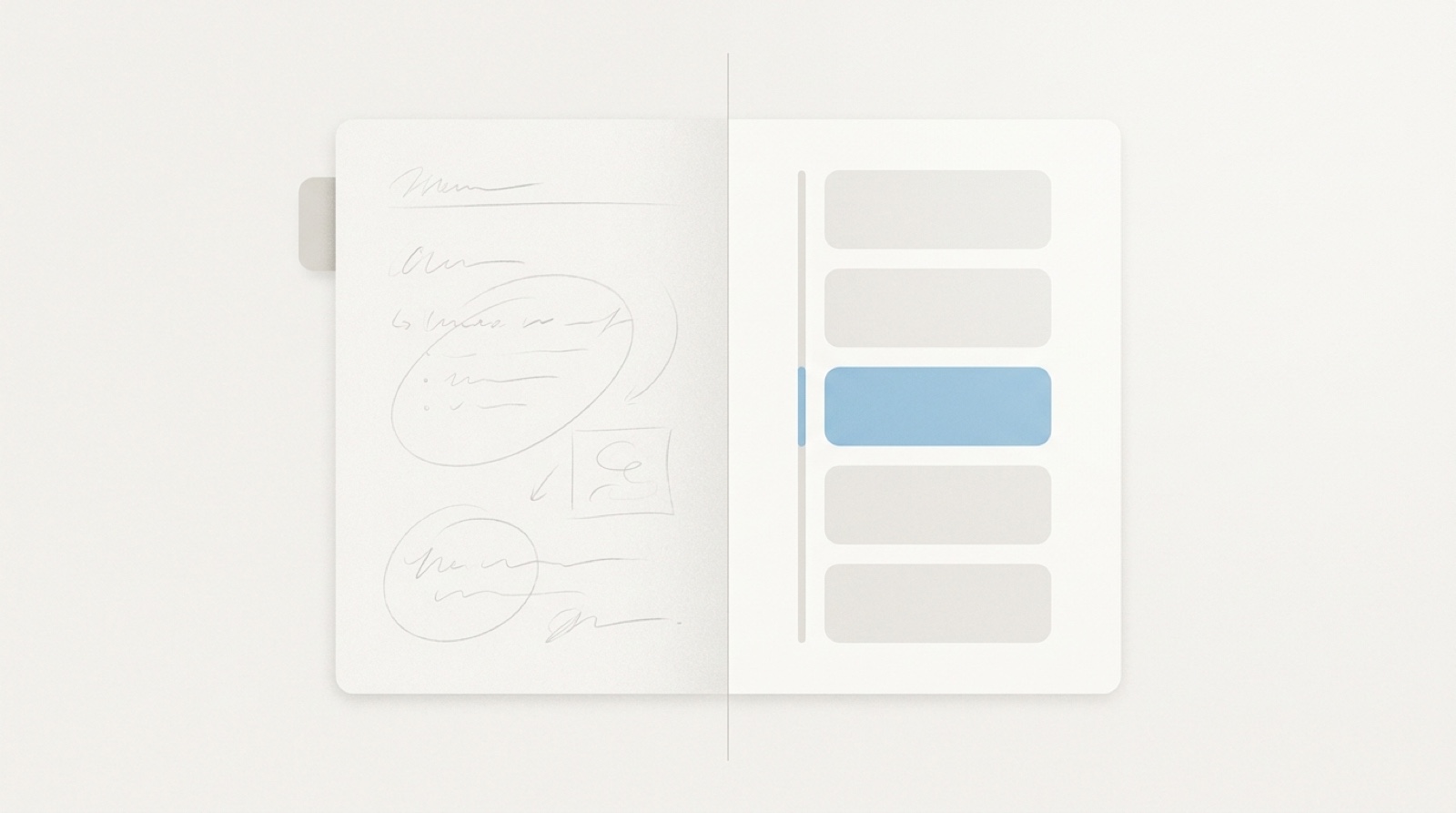
A digital planner app can mean two completely different things, and picking the wrong one is why so many people bounce off digital planning. One kind is a PDF you write on by hand with an Apple Pencil, inside a note app like GoodNotes. The other is a real app that puts your day on a timeline, reminds you on its own, and syncs across your devices. This guide sorts the two apart, gives an honest look at each, and shows where Whit fits.
The two kinds, at a glance
| PDF planner (in GoodNotes / Notability) | Planner app | |
|---|---|---|
| What it is | A designed PDF file with dated pages and tabbed navigation | Software built around your tasks and calendar |
| How you use it | Handwrite on it with a stylus, decorate with stickers | Type or speak a task, place it on your day |
| Reminders | None of its own; it waits for you to open it | Fires on its own at the time you set |
| Sync | Whatever your note app syncs | Built in, so the same plan is on every screen |
| Feels like | Digital stationery | A quiet assistant for your time |
| Best if you | Love handwriting and a personal, crafted page | Want your day scheduled, reminded, and carried |
Neither is better. They solve different problems. Knowing which one you are after narrows the whole search before you compare a single product.
Two very different things share one name
When someone says “digital planner,” they usually mean one of two things, and the two barely overlap.
The first is a PDF planner you write on. It is a designed document, with monthly and daily pages, tabs down the side, and internal links you tap to jump around. It is not an app by itself. You open it inside a note-taking app that can mark up PDFs, usually GoodNotes or Notability, and write on it with an Apple Pencil. GoodNotes describes itself plainly as “a digital notepad and PDF markup tool,” which is the key point: the app is the paper, and the planner is the layout printed on it. These templates are a whole market of their own, sold as one-time downloads on Etsy alongside matching sticker packs, closer to stationery than to software.
The second is a planner app. Here the app itself is the planner. It holds your tasks and events as real data, places them on a timeline or calendar, sends reminders at the times you set, and keeps the same plan on your phone, tablet, and computer. Sunsama, Motion, Structured, Todoist, Things, and Apple’s own Reminders and Calendar all live here. This is the kind most people mean when they type “digital planner app,” and it is the kind Whit is.
Which one do you actually want?
The fastest way to choose is to notice what you are really after.
Reach for a PDF planner in GoodNotes if you love the feel of handwriting, you plan on an iPad with a Pencil, and half the pleasure is the page itself: the layout, the colors, the stickers. It is calm and expressive, and it is genuinely nice. Just know its limits. A handwritten “Meeting at 3pm” is ink on a page. The planner does not know the time, will not buzz to remind you, and will not move that note to tomorrow when the day slips.
Reach for a planner app if your problem is not writing tasks down but fitting them into real hours. You want a task to get a slot, an alert to fire without you checking, and the plan you made on your phone to already be on your laptop. You may not own a stylus, and you may not care to. You want typed or spoken capture, a day you can see, and a tool that carries the load between glances.
If you are not sure, start with the app kind. It does more of the work for you, and most people who reach for a planner want the day handled, not just drawn.
What a good digital planner app does
A good digital planner app earns its place by doing a few things a static page cannot, and each one has real reasoning behind it.
- It puts time on a timeline. Not just a list of tasks, but when each one happens, so you can see whether the day actually fits. People badly underestimate how long their own work takes. In a classic study, students expected a task to take about 34 days and it took closer to 56 (Buehler, Griffin, and Ross, 1994). Laying tasks onto hours makes that honesty visible.
- It gets the day out of your head. Capture should take a second, by text or voice, so a thought is saved before it slips. Moving tasks out of your mind and into a trusted tool, what researchers call cognitive offloading, frees the attention you were spending to remember them (Risko and Gilbert, 2016).
- It reminds you on its own. A task with a time and a place gets done more reliably than a task on an open list. Across 94 studies, people who decided “I will do X at this time, in this place” followed through at meaningfully higher rates (Gollwitzer and Sheeran, 2006). An app can hold that decision and surface it at the moment; a PDF cannot.
- It follows you. What you add on your phone is on your other screens a moment later, so the plan is one plan, not three drifting copies.
- It stays calm. No wall of red overdue badges, no streak that punishes one off day. An app you dread is an app you avoid, and a planner only helps if you keep opening it.
- It keeps your data yours. Your plan is a quiet map of your life, so where it lives, and who can read it, matters.
Judge any digital planner app against that, not its feature count. The longest feature list rarely wins.
The honest options
No single option is best for everyone. Here is a fair look at both routes. Prices move, so confirm the current number on each maker’s own page before you buy.
If you want the PDF kind, you need two things: a note app that marks up PDFs, and a planner template to open in it. GoodNotes runs on a subscription now, with a free tier limited to a few notebooks. Notability is free to start with paid upgrades for unlimited notes. The planner itself is a separate one-time purchase, usually from Etsy, where sellers compete on design, tabs, and sticker packs. This route is best if handwriting and a crafted page are the point.
If you want the app kind, here are the common choices.
| App | Type | Platforms | Pricing | Best for |
|---|---|---|---|---|
| Sunsama | Guided daily planner | Mac, Windows, iPhone, Android, web | Subscription | A structured morning-and-evening ritual |
| Motion | AI auto-scheduler | Mac, Windows, iPhone, web | Subscription | Letting software rebuild your day when plans slip |
| Structured | Visual day timeline | iPhone, iPad, Mac, Android, web | Free tier or subscription | A simple hour-by-hour day |
| TickTick | To-do with calendar and habits | Mac, Windows, iPhone, Android, web | Free tier or subscription | Tasks, calendar, and habits in one cross-platform app |
| Todoist | To-do with time-blocking | Mac, Windows, iPhone, Android, web | Free tier or subscription | Cross-platform task management with a calendar layer |
| Apple Reminders + Calendar | Built-in baseline | Apple only | Free | A private, no-cost start already on your devices |
| Things 3 | Native task planner | iPhone, iPad, Mac | One-time, per platform | A beautiful Apple task manager with a daily review |
| Whit | Calm capture-to-day planner | iPhone, iPad, Mac | One-time, no subscription | A calm path from a brain dump to a planned day |
A few honest notes. Sunsama and Motion are the dedicated planners, both subscriptions that store your tasks on their own servers behind an account, which is the trade for the polish and the cross-platform reach. Motion leans hardest on automation, rebuilding your day with AI when plans slip, which some people love and others find takes the day out of their hands. Structured is closest in spirit to a simple visual day and has a free tier. TickTick and Todoist are task managers that added calendar and time-blocking layers, so they plan without being built around it, and both run as freemium subscriptions on their own accounts. Apple Reminders and Calendar are free, private, and already on your devices; used together they make a capable baseline, so start there if you want to spend nothing. Things is a lovely, fully native one-time purchase for Apple users, though it keeps you in lists and leans on Apple Calendar for the timeline. For a couple of head-to-heads, see how Whit compares to TickTick and Todoist.
The gap most of the apps share is the same one. The dedicated planners are powerful but priced as subscriptions and built on their own accounts, while the calm, private, one-time options tend to stop at lists. That is the gap Whit was built for.
Where Whit fits
Whit is a calm brain dump and daily planner for iPhone, iPad, and Mac, and it is squarely the app kind, not a PDF you write on. You capture by text or voice, one thought per line, with no list or due date required, so a task is saved before it slips, and it lands in a Calm Inbox instead of a pile of red badges.
When you are ready, you turn a few of those captures into a Visual Day, a gentle timeline that runs from sunrise to night, so you can see how much room the day really has before you fill it. It connects to Apple Calendar and Reminders, so the alerts you already trust still fire on their own, and it syncs across your iPhone, iPad, and Mac through your own iCloud.
That last part is also a promise about your data. Whit has no accounts, no logins, and no analytics in the app, so the quiet map of your life stays yours. The honest tradeoffs: Whit is Apple only, it is a calm daily planner rather than an AI auto-scheduler or a handwriting canvas, and it is paid rather than free. It is a one-time purchase for iPhone, iPad, and Mac, with a 7-day free trial, then $99 once with no subscription. You can see everything Whit does.
What the research does and doesn’t say
A few honest caveats. No study has tested one digital planner app against another head to head, so treat the guidance above as well-grounded reasoning, not proof. The offloading, planning, and follow-through findings come from general research, not from any single app, and a famous idea nearby is shakier than it sounds. The classic “willpower runs out” model of decision fatigue has largely failed to replicate (Hagger et al., 2016), so a planner helps by holding your decisions, not by saving some finite store of willpower. The steady facts underneath are simple. You cannot hold a day in your head, a task quiets down once it has a time, and a plan only helps if you keep coming back to it. A digital planner app that respects all three is doing its job. Whit is a calm productivity tool, not a medical or mental-health treatment.
Common questions about digital planner apps
Is a digital planner app the same as a GoodNotes planner?
No, and this is the most common mix-up. A GoodNotes planner is a PDF you handwrite on inside a note-taking app, closer to digital stationery. A planner app like Structured, Things, or Whit is software that holds your tasks, places them on a timeline, and reminds you on its own. Decide which you want first, then compare products within that group.
What is the best free digital planner app?
Apple Reminders and Apple Calendar, used together, are the best free start on Apple devices. Capture tasks in Reminders, give the important ones a slot in Calendar, and you have a private planner that costs nothing. Structured also has a free tier if you want a purpose-built day timeline before you consider paying for anything.
Is there a digital planner app without a subscription?
Yes. Things is a one-time purchase per platform, Structured sells a one-time option alongside its free tier, and Whit is a one-time purchase for iPhone, iPad, and Mac, with a 7-day free trial, then $99 once with no subscription. Buying once matters if you plan to live in the app for years rather than renting it monthly.
Related reading
- Comparing the wider field? See the best planner app for a calm day.
- Want a morning-and-evening rhythm? Read about the best daily planning app.
- Need to empty your head first? See the best brain dump app for iPhone, iPad, and Mac.
- Want to give each task a time slot? Read about the best time blocking app.
Where to start
Decide which kind you want before you buy anything. If you love handwriting and a crafted page, get GoodNotes and a planner template you like. If you want your day scheduled, reminded, and carried across your screens, pick a planner app and live in it for a week: each morning, empty your head into it, choose one to three things that matter, give each a time, and leave the gaps in on purpose. Notice whether opening it makes the day feel lighter or heavier. That feeling, more than any feature list, tells you whether it is the right digital planner app for you.
If you want one built for exactly that, calm capture to a realistic day, Whit is a one-time purchase for iPhone, iPad, and Mac, with a 7-day free trial, then $99 once with no subscription. See the details.