The Best Time Blocking App for a Calm, Focused Day
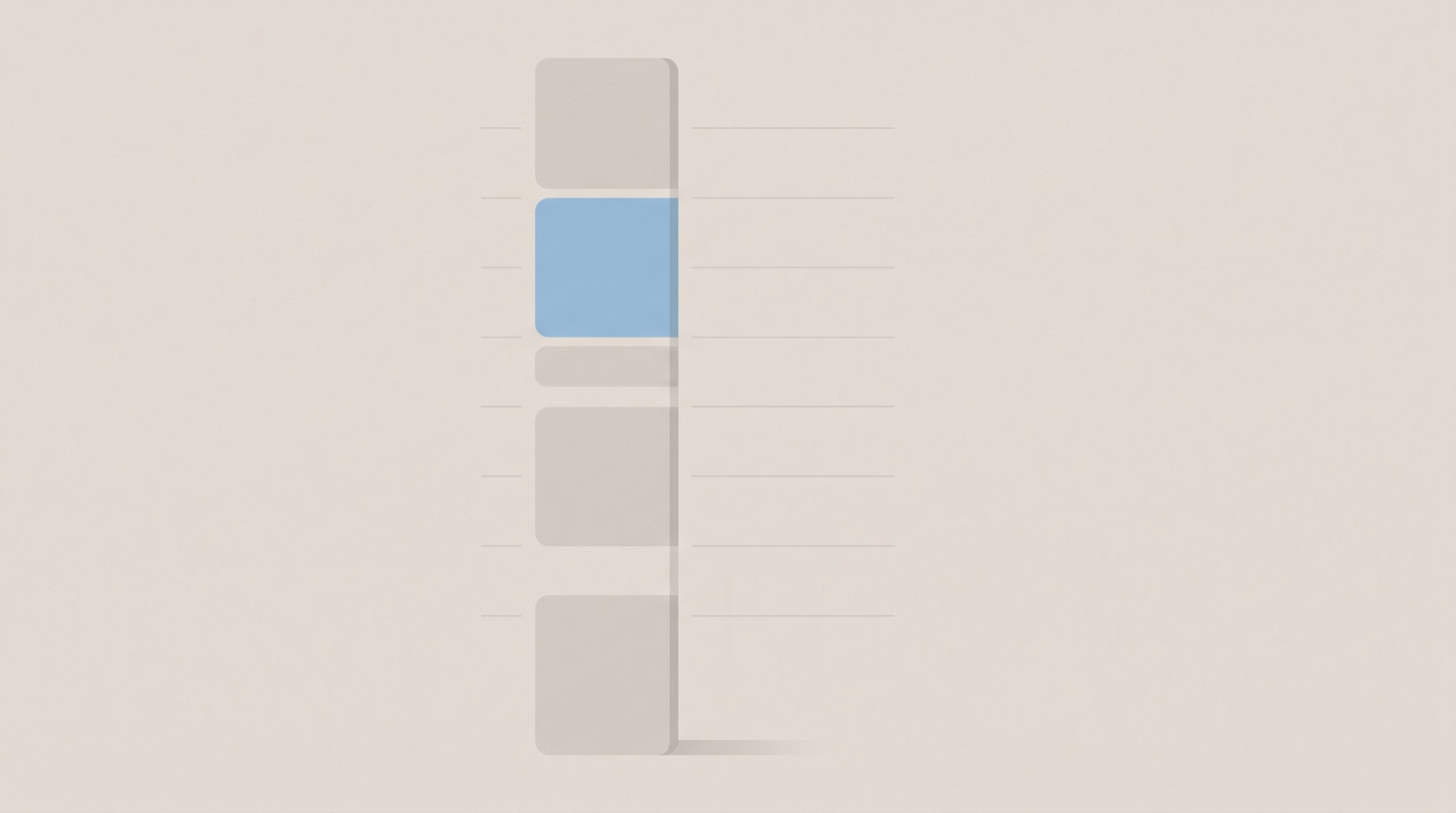
The best time blocking app is the calm one you keep opening, because time blocking only works if you actually live in the plan. A good one does the same thing paper does, it gives each task a slot on your day, but it also carries the plan to your other screens and nudges you when a block begins. This guide covers what time blocking is, what the research really supports, an honest look at the popular apps, and where Whit fits.
What makes a good time blocking app, at a glance
- It puts tasks on a timeline, not just in a list. Time blocking means giving each task a start and an end on your day, so you can see when things happen.
- Capture is instant. You can get a task down in a second, by text or voice, before it slips out of your head.
- It stays calm. No wall of red overdue badges, no auto-rescheduling you did not ask for. An app you dread is an app you avoid.
- It shows the gaps. The good ones make the empty space visible, so you can see whether the day actually fits before you fill it.
- It follows you. The block you set on your phone is on your laptop a moment later, so the plan is one plan.
- It keeps your data yours. Your schedule is a quiet map of your life, so where it lives, and who can see it, matters.
Judge any app against that, not its feature count. The longest feature list rarely wins.
What a time blocking app actually does
A time blocking app turns an open to-do list into a day with a shape. Instead of a flat list of things you might do, each task gets a specific slot, “draft the proposal from 9 to 10:30, at my desk.” The calendar becomes the plan, not a separate place you check. The idea was popularized by writers like Cal Newport, who lays out his whole workday in blocks and argues it beats a plain list because it forces you to decide when each thing will actually happen (Cal Newport).
That small shift, from what to when, is the whole point. A list answers “what do I need to do?” A blocked day answers the harder question: “does all of this actually fit in the hours I have?” Most apps that call themselves planners or calendars can do some version of this. What separates them is how much they automate, how calm they feel, and who holds your data.
Why blocking time calms a busy mind
A time blocking app earns its place because a scheduled day settles your mind in ways a list cannot. The first reason is simple capacity. The part of your mind that holds active thoughts keeps only about four things at once (Cowan, 2001), so every task you try to remember crowds out another. Moving those tasks into a trusted plan, what researchers call cognitive offloading, frees that space for the work itself.
The second reason is about focus. When you jump between tasks, part of your attention stays stuck on the one you just left, a drag that researchers named attention residue. In controlled experiments, people who switched away from an unfinished task carried lingering thoughts about it into the next task and performed measurably worse, and clear stopping points reduced the effect (Leroy, 2009). A blocked day is built to lower that cost. One thing at a time, each with an end, fewer switches to pay for.
The third reason is quiet. An unfinished task keeps tugging at you until you decide what to do about it, and the relief comes not from finishing it but from giving it a concrete next step. In a series of experiments, writing a specific plan for an unfinished goal quieted the intrusive thoughts about it and freed attention for other things (Masicampo and Baumeister, 2011). A time block is exactly that kind of plan: this task, this time, this place. Deciding the when and where in advance, what psychologists call an implementation intention, also lifts follow-through. Across 94 studies, people who made “I will do X at this time, in this place” plans reached their goals at meaningfully higher rates (Gollwitzer and Sheeran, 2006).
Blocking time is a well-liked method, honestly
Time blocking is one of the most praised productivity habits, and there is a fair reason why. In a survey of 100 productivity methods reported by Harvard Business Review, people rated timeboxing, moving your to-do list into your calendar, the single most useful of the lot (Harvard Business Review, 2018). That is self-reported usefulness, not a controlled trial, so read it as a strong vote of confidence rather than proof.
The deeper reason a block helps is that it forces an honest look at your time. People reliably underestimate how long their own tasks take. In a well-known study, students predicted a project would take about 34 days and it took closer to 56 (Buehler, Griffin, and Ross, 1994). A ten-item list hides that optimism. A day cut into blocks exposes it, because there are only so many blocks. That is why the method works best when you schedule a few real things and leave visible gaps between them, so one overrun does not topple the rest of the day.
Fewer, longer blocks also cut down on switching, and switching is not free. Every time you change tasks you pay a small cost in time and accuracy, and those costs pile up across a choppy day (American Psychological Association). Protecting a block for one task lets it finish before the next one starts.
If you have ADHD
Time blocking tends to help more, not less, if your brain runs on ADHD wiring, with two adjustments. Time itself is harder to feel when your head has too many tabs open, an experience clinicians call time blindness, where the future feels abstract and the present is all there is (ADDitude). Putting each task at a real time on a real day is a way to make time visible from the outside, which is exactly what ADHD guidance recommends: external time cues, a planner you check often, and tasks tied to specific slots rather than left on an open list (CHADD).
The two adjustments. First, pad every block, since the gap between your guess and the clock is usually wider here. Second, shrink the first action until it feels almost too small, “open the file and write one line,” not “write the report.” For a version built around capturing first, see the ADHD brain dump method or how to choose an ADHD planner app.
The honest options
No single time blocking app is best for everyone. Here is a fair look at the common choices, what kind of tool each one is, and how they price. Prices move, so confirm the current number on each maker’s own page before you buy.
| App | Type | Platforms | Pricing | Best for |
|---|---|---|---|---|
| Sunsama | Guided daily time-block planner | Mac, Windows, iPhone, Android, web | Subscription | A structured morning-and-evening planning ritual |
| Motion | AI auto-scheduler | Mac, Windows, iPhone, web | Subscription | Letting software rebuild your day when plans slip |
| Reclaim | AI calendar scheduler | Web, on top of Google Calendar | Free tier or subscription | Auto-defending focus time around meetings |
| Akiflow | Time-block planner plus inbox | Mac, Windows, iPhone, web | Subscription | A keyboard-fast unified inbox and calendar |
| Structured | Visual day timeline | iPhone, iPad, Mac | Free tier or subscription | A simple hour-by-hour day on Apple devices |
| TickTick | To-do with calendar blocking | Mac, Windows, iPhone, Android, web | Free tier or subscription | Tasks, calendar, and habits in one cross-platform app |
| Google Calendar | Calendar you block by hand | Web, Android, iPhone, iPad, browser | Free | A no-cost DIY baseline you already have |
| Apple Calendar + Reminders | Built-in baseline | Apple only | Free | A private, no-cost start already on your devices |
| Whit | Calm capture-to-day planner | iPhone, iPad, Mac | One-time, no subscription | A calm path from a brain dump to a blocked day |
A few honest notes. Sunsama and Akiflow are the dedicated manual planners, both subscriptions that store your tasks on their own servers behind an account, which is the trade for the polish and the cross-platform reach. Motion and Reclaim lean on automation, rebuilding or defending your schedule with AI, which some people love and others find takes the day out of their hands. Structured is closest in spirit to a calm visual day and has a free tier on Apple devices (how Whit and Structured compare). TickTick is a task manager that added calendar blocking, so it plans without being built around it. Google Calendar is free and capable if you are willing to drag blocks in by hand, though it lives on a Google account. Apple Calendar and Reminders are free, private, and already on your devices; used together they make a fine baseline, so start there if you want to spend nothing. For the detail on a few of them, see how Whit compares to Sunsama, TickTick, and Todoist.
The gap most of them share is the same one. The dedicated planners and AI schedulers are powerful but priced as subscriptions and built on their own accounts, while the calm, private, one-time options tend to stop short of a real day view. That is the gap Whit was built for.
Where Whit fits
Whit is a calm brain dump and daily planner for iPhone, iPad, and Mac, a native Apple app built around the ideas above. You capture by text or voice, one thought per line, with no list or due date required, so a task is saved before it slips, and it lands in a Calm Inbox instead of a pile of red badges.
When you are ready, you turn a few of those captures into a Visual Day, a gentle timeline that runs from sunrise to night. That is your blocked day. You drop your picks onto real times, and the open space stays visible, so you can see whether the day fits before you live it. It connects to Apple Calendar and Reminders, so the alerts you already trust still fire, and it syncs across your iPhone, iPad, and Mac through your own iCloud.
That last part is also a promise about your data. Whit has no accounts, no logins, and no analytics in the app, so the quiet map of your day stays yours. The honest tradeoffs: Whit is Apple only, it is a calm visual planner rather than an AI auto-scheduler that rebuilds your calendar for you, and it is paid rather than free. It is a one-time purchase for iPhone, iPad, and Mac, with a 7-day free trial, then $99 once with no subscription. You can see everything Whit does.
What the research does and doesn’t say
A few honest caveats. No study has tested one time blocking app against another head to head, so treat the guidance above as well-grounded reasoning, not proof. The offloading, attention, and planning findings come from general research, not from any single app or from time blocking tested on its own. A popular rationale for blocking, Parkinson’s Law, the idea that “work expands to fill the time available,” began as a satirical line about bureaucracy and has never been validated as a real law, so lean on it lightly. And Cal Newport’s writing on time-block planning is an experienced practitioner’s method, not a controlled trial. The steady facts underneath are simple. You cannot hold a day in your head, a scattered day costs you focus, and a task quiets down once it has a time. A time blocking app that respects all three is doing its job. Whit is a calm productivity tool, not a medical or mental-health treatment.
Common questions about time blocking apps
What is the best free time blocking app?
Apple Calendar and Reminders, used together, are the best free start on Apple devices. Capture tasks in Reminders, then drag the important ones into Calendar as blocks, and you have a private planner that costs nothing. Google Calendar works the same way if you live on a Google account, and Structured offers a free tier built for a visual day.
Is time blocking good for ADHD?
It tends to help, because putting each task at a real time makes time visible from the outside, which counters the time blindness common with ADHD. ADHD guidance recommends exactly this kind of external structure, a planner you check often with tasks tied to specific slots. Pad every block and shrink the first step so starting feels easy.
Is there a time blocking app without a subscription?
Yes. Apple’s and Google’s built-in calendars are free, and Whit is a one-time purchase for iPhone, iPad, and Mac, with a 7-day free trial, then $99 once with no subscription. Most dedicated time blockers, like Sunsama, Motion, and Akiflow, are subscriptions on their own accounts. Buying once matters if you plan to live in the app for years.
Related reading
- New to planning a day at all? Start with how to plan your day.
- Comparing the wider field? See the best planner app for a calm day.
- Need to empty your head first? Read the best brain dump app for iPhone, iPad, and Mac.
- Turning a full list into a schedule? See how to turn a brain dump into a daily plan.
Where to start
Pick one time blocking app and live in it for a week before you judge it. Each morning, empty your head into it, choose one to three things that matter, give each a real block, and leave the gaps in on purpose. Notice whether opening it makes the day feel lighter or heavier. That feeling, more than any feature list, tells you whether it is the best time blocking app for you.
If you want one built for exactly that, calm capture to a blocked, realistic day, Whit is a one-time purchase for iPhone, iPad, and Mac, with a 7-day free trial, then $99 once with no subscription. See the details.