What a Second Brain App Is (and How to Choose a Calm One)
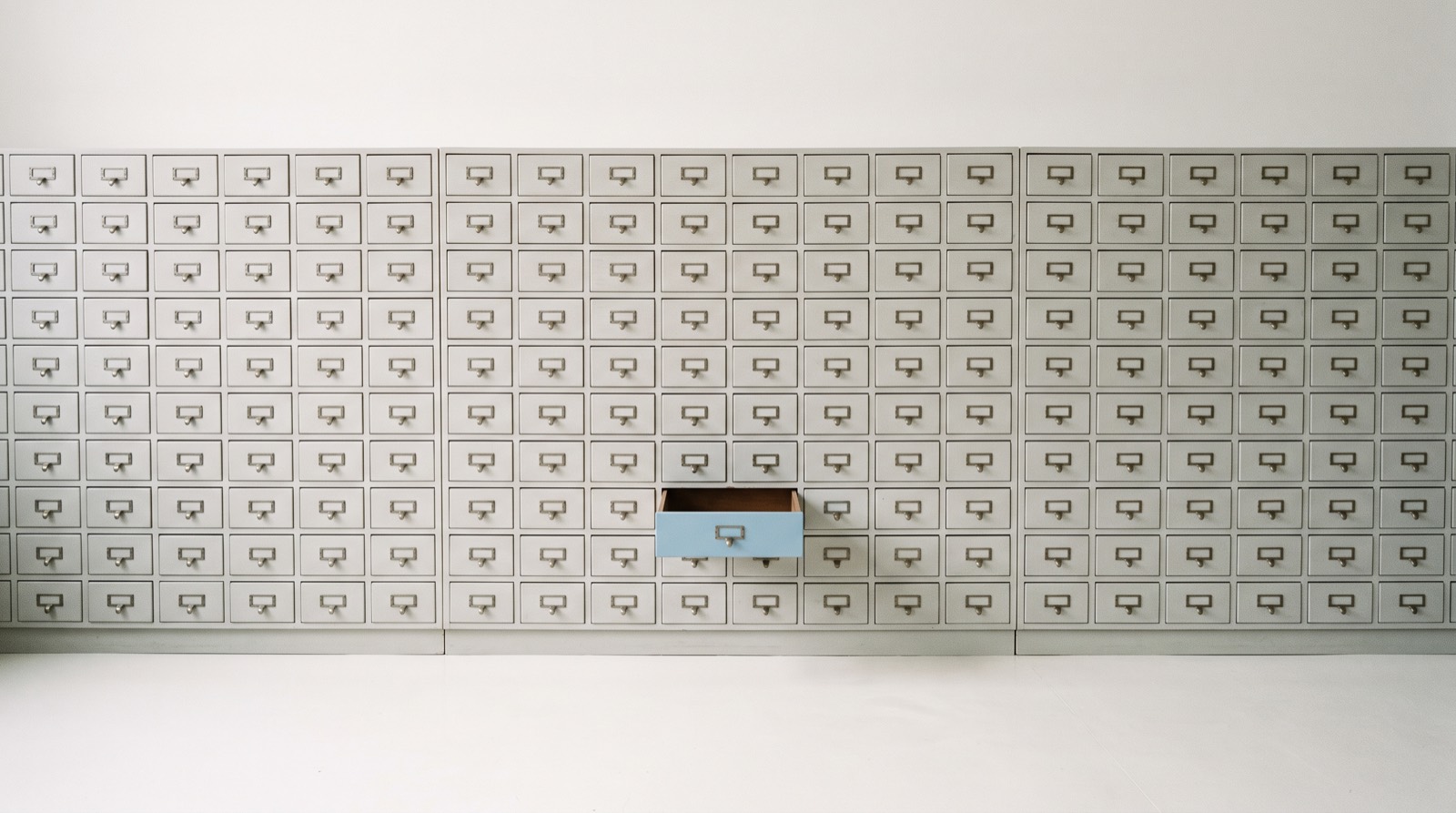
A second brain app is a place outside your head where you keep what you learn and what you owe, so you do not have to hold all of it in memory. The idea is far older than any app, and it rests on something plain: your working memory is small and your week is not. Capture is the easy half. Coming back to what you saved is the half that decides whether any of it helped.
What a second brain app should do, at a glance
- Capture in one motion. If saving a thought takes four taps and a decision about where it goes, you will stop saving thoughts.
- Hold the whole load. Ideas, links, and things you are learning, but also the errands and commitments sitting behind them. Those are the items that keep you awake.
- Be safe enough to forget into. You only stop carrying something once you believe it will still be there.
- Bring things back at the right moment. A store you have to remember to search is still work your head is doing.
- Work on a flat day. The system that only holds up when you are organized is the one that collapses first.
- Keep your material yours. Your notes are a map of your life, so where they live and who can read them matters.
The sections below explain why each of those earns its place, because the reasons hold even when the app does not.
Where the second brain idea comes from
The current version comes from Tiago Forte, who defines a second brain as “an external, centralized, digital repository for the things you learn and the resources from which they come,” organized with a four-step method he calls CODE, for Capture, Organize, Distill, Express, and a filing scheme called PARA, for Projects, Areas, Resources, Archive (Forte Labs).
The lineage runs much further back. The sociologist Niklas Luhmann kept a paper slip-box he wrote with and thought through for decades; the archive that holds it counts roughly 90,000 cards across two collections (Niklas Luhmann-Archiv). Before any of it existed as a machine, Vannevar Bush described a desk-sized device he called the memex that would store a person’s books and records and let them follow associative trails between them (Bush, 1945, The Atlantic).
The productivity side of the family comes from David Allen’s Getting Things Done, where the calm state he calls a mind like water depends on having everything in the system, because a system missing pieces is one you cannot fully trust (Getting Things Done). That is the thread worth pulling. Every version of this idea, from a slip-box to an app, works on trust.
Why moving things out of your head works
The case starts with capacity. The part of your mind that holds active thoughts keeps only about four items at once under careful test conditions (Cowan, 2001). Anything past four is written down somewhere or slowly lost, whatever you intended.
Leaning on an external store is a normal way to think. Researchers call it cognitive offloading: using something in the world, a note, a calendar, an alarm, to cut what your head has to carry. A review of the field found that offloading improves performance on the task in front of you while also changing what you retain, because you keep the pointer rather than the content (Risko and Gilbert, 2016).
That trade shows up clearly in one well-known experiment. People who expected a computer to hold a piece of information for them recalled the information itself less well and recalled where to find it better (Sparrow, Liu and Wegner, 2011). With a second brain app you are making that trade on purpose, swapping recall for retrieval, which works as long as retrieval works.
A saved item only goes quiet if you trust the save. In a set of experiments, saving one file before studying a second one improved memory for the second, and the benefit vanished when the saving was made unreliable (Storm and Stone, 2015). Your head keeps holding what it does not believe is safely stored.
An open loop settles once it has a plan, not once it is finished. Unfinished goals produced intrusive thoughts and worse performance on unrelated tasks, and writing a specific plan for them removed the effect (Masicampo and Baumeister, 2011). A store that only holds material tends to feel less relieving than one that also holds what you are going to do about it.
The part most second brains get wrong
Collecting feels like progress. The knowledge-management community has a name for the gap, the collector’s fallacy, from an essay arguing that knowing about something is not the same as knowing it, and that a folder of clipped articles can stand in for the reading you never did (Tietze, Zettelkasten.de).
Classroom research points the same way. A 1975 study separated note taking from note having and found the benefit came mostly from having notes to review afterward rather than from writing them (Carter and Van Matre, 1975). A later meta-analysis put the effect of note taking on its own at a small d of about 0.22, with review doing most of the work (Kobayashi, 2005); the follow-up review of 33 studies found the combined take-and-review pattern is where the substantial gains sit (Kobayashi, 2006).
One honest caveat: none of that research tested a second brain app, and the popular claims about most digital vaults being abandoned are commentary rather than measurement. Nobody has run a controlled trial of Obsidian against Notion. What the evidence does support is narrower and more useful: capture without return is weak, and a store you do not revisit is closer to a hobby than a system. Judge any app by how often you come back to it, not by how much it holds.
What a second brain app can skip
- A schema you have to design first. If setup takes a weekend, the setup becomes the project.
- Badges and red overdue counts. Pressure on a pile you already feel bad about makes you avoid opening it.
- Backlinks and graph views, unless you write. They pay off for people building an argument over years. For everyone else they are a nice screensaver.
- Every capture format. Text and voice cover most of a real week. Ten input types mostly add ten decisions.
- Rigid filing at capture time. Deciding where something belongs is the tax that stops people saving it. Sort later, or not at all.
The honest options
No single app is the best second brain app for everyone, because the term covers two different jobs: a library of what you are learning, and a handle on what you owe. Most apps are strong at one. Prices and tiers move, so confirm the current number on each maker’s own page before you buy.
| App | What it is | Where your notes live | Pricing |
|---|---|---|---|
| Obsidian | A notes app you build into a vault, strong on linking | Plain files on your own device | App is free; optional Sync add-on at $4 or $8 per user per month billed annually (pricing) |
| Logseq | An outliner built on local markdown or org files | Plain files on your own device | App is free; official sync is a paid subscription |
| Notion | A hosted workspace of pages and databases | Notion’s cloud, behind an account | Free tier; Plus $10 and Business $20 per member per month (pricing) |
| Evernote | The original capture-everything notebook | Evernote’s cloud, behind an account | Free tier syncs one device; paid tiers add devices and storage (plans) |
| Craft | A polished documents-and-notes app | Craft’s cloud, behind an account | Free tier with 1 GB; the personal paid plan is a subscription (pricing) |
| Apple Notes | The built-in notes app on Apple devices | Your own iCloud | Free, with 5 GB of iCloud included; iCloud+ starts at $0.99 per month for 50 GB (iCloud) |
| Whit | A calm brain dump and daily planner | Your own iCloud, with no account | 7-day free trial, then $99 once with no subscription |
A few notes on the trade underneath. Obsidian and Logseq keep your notes as plain files you own outright, which is the strongest answer to “what happens if this company disappears,” and the price of that ownership is that you assemble the setup yourself. Notion, Evernote, and Craft hand you a finished, polished system on their servers behind an account, billed monthly. Apple Notes is free, private, already installed, and better than its reputation for the library job; it is weaker once you want your notes to turn into a day. Whit sits on the other side of the line, which is worth being clear about.
How Whit fits, and where it does not
Whit is a calm brain dump and daily planner for iPhone, iPad, and Mac. It is not a knowledge vault. There are no wikis, no backlinks, no graph view, and no research library. If you want to build a linked archive of everything you read, use Obsidian or Notion, and read how Whit and Notion compare before you assume otherwise.
What Whit takes is the other half of the second brain, the part about what you owe. You empty your head by text or voice, one thought per line, without picking a folder or a due date first, which is the brain dump in its plainest form. Captures land in a Calm Inbox rather than a wall of red badges, so opening the app does not cost you anything emotionally. When you are ready, you lift a few of them onto the Visual Day, a gentle timeline from sunrise to night, which is the part that turns a store into a plan. It connects to Apple Calendar and Reminders so your existing alerts still fire.
The trust piece is the reason to mention where the data lives. Whit syncs only through your own iCloud, with no accounts, no logins, and no analytics in the app, and you can export your data whenever you like (privacy). The honest limits: it is Apple only, there is no web version, and it is paid rather than free. It is a one-time purchase for iPhone, iPad, and Mac, with a 7-day free trial, then $99 once with no subscription. You can see everything it does, or how it syncs across devices.
Plenty of people run both, a vault for what they are learning and something calmer for what the week requires of them. That combination tends to hold up better than asking one app to be a library and a planner at the same time.
Common questions about second brain apps
What is the best second brain app?
The one you reopen without dreading it. Obsidian wins on ownership because your notes stay as plain files you control. Notion wins on a finished, shareable structure. Apple Notes is the best free start on Apple devices. If the load you are carrying is commitments rather than reading, a planner will serve you better than a vault.
Is a second brain app the same as a note taking app?
They overlap, and the difference is scope. A note taking app stores individual notes. A second brain app is meant to be the single place your whole external memory lives, and to give it enough structure that you can find things later. Many people use one app for both and call it whichever name fits that day.
Do I need a second brain app if I already use Apple Notes?
Often not. Apple Notes syncs privately through iCloud, costs nothing, and handles the library job for most people. The gap tends to show up elsewhere: notes are a poor place to keep what you have to do this week, since nothing in them tells you what today looks like. That is a planning problem rather than a notes problem.
Is there a second brain app without a subscription?
Yes. Obsidian and Logseq are free to use if you sync your own files, and Apple Notes is free on Apple devices. Whit is a one-time purchase for iPhone, iPad, and Mac, with a 7-day free trial, then $99 once with no subscription. Most hosted workspaces, including Notion, Evernote, and Craft, are billed monthly.
Related reading
- New to the method underneath all of this? Start with what a brain dump is.
- Want the capture side specifically? See the best brain dump app for iPhone, iPad, and Mac.
- Head too full to file anything? Read how to clear your mind.
- Ready to turn the pile into a day? See how to turn a brain dump into a daily plan.
Where to start
Pick the smaller version first. For one week, save everything into a single place with no folders and no tags, then spend five minutes each morning pulling out the two or three things that belong to today. That week will tell you which half of the second brain you actually needed, the library or the plan, and you will have spent nothing to find out.
If it turns out to be the plan, Whit is built for exactly that path, from a full head to a day you can live. It is a one-time purchase for iPhone, iPad, and Mac, with a 7-day free trial, then $99 once with no subscription. See the details.